
Your password
If you would like to change your password, you can do this within your page once you are logged in.
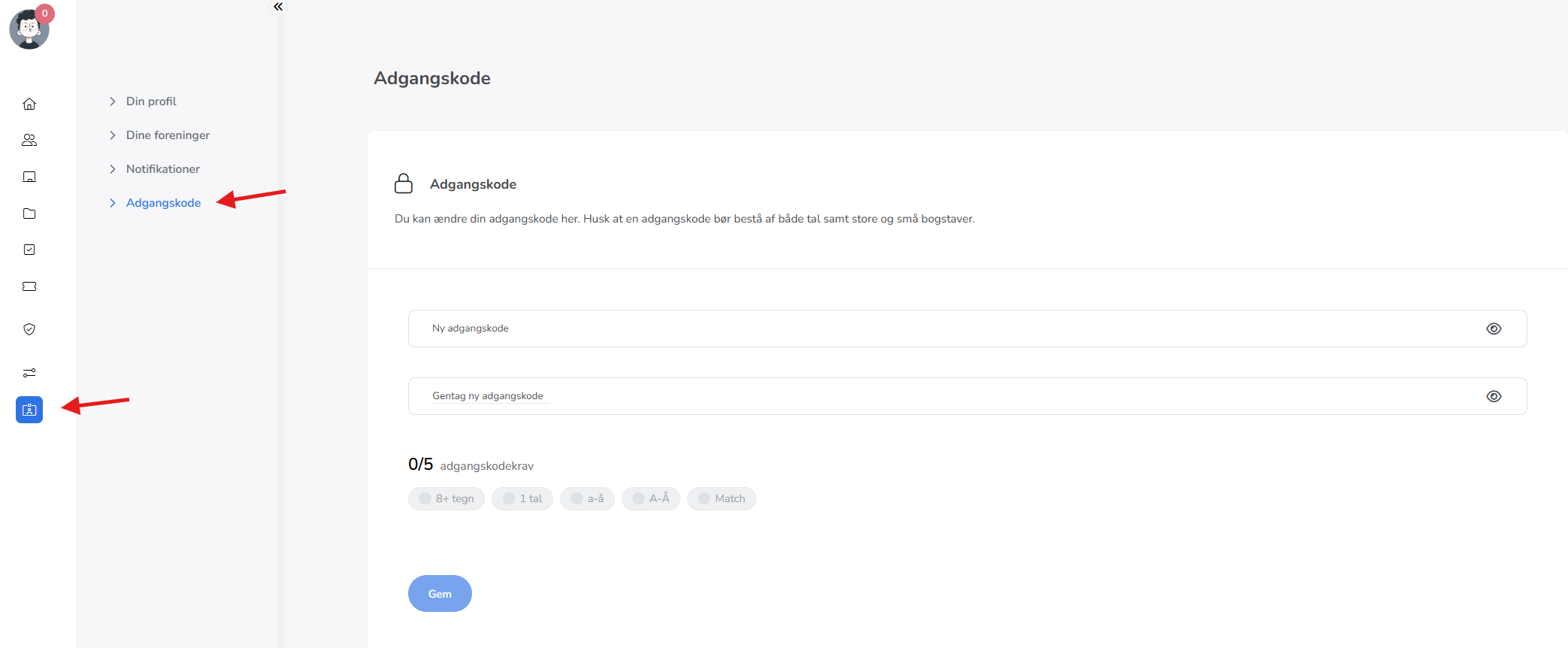
- Go to "Settings" in the menu to the left and click on your user.
- Find "Password" on the left side, which will allow you to create your new password in the two fields shown in the image.
- Remember to press "Save" to correctly update the new password.