
What are external persons?
External persons are those who assist with board work without having voting rights, typically an auditor or an administrative employee. They must be created in the reporting if they are to have access to the association's accounts or simply follow the work.
Remember: Alternate members are created under "Board Members", not as external persons.
Create external persons
Go to "External persons" under "Persons" in the reporting. You then have the option to click on the cross in the blue circle "Create external person".
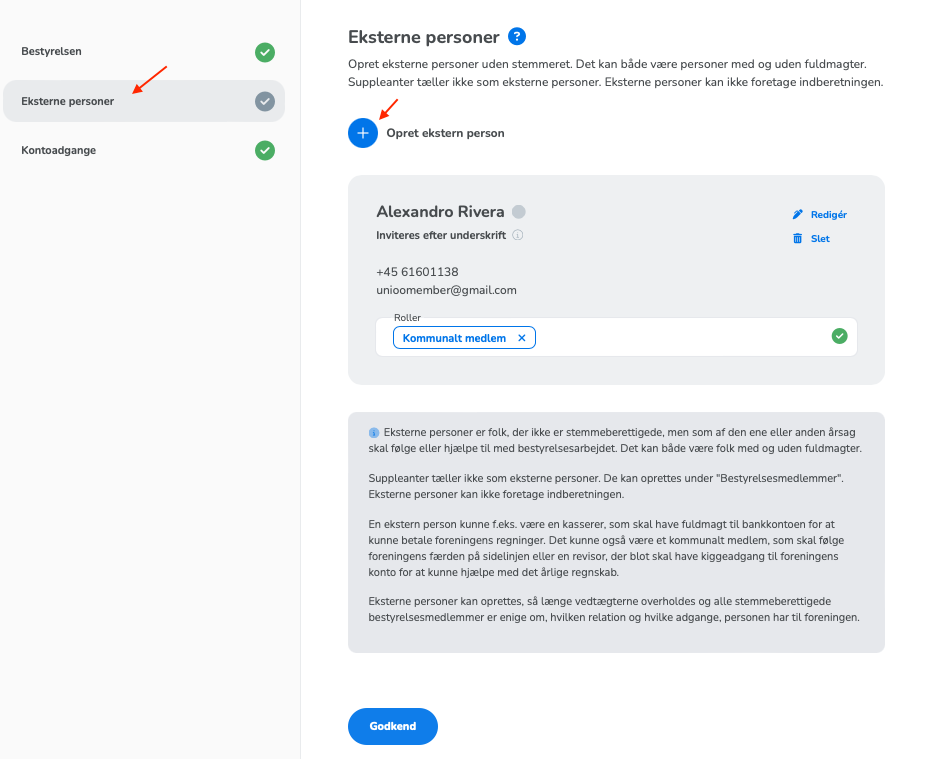
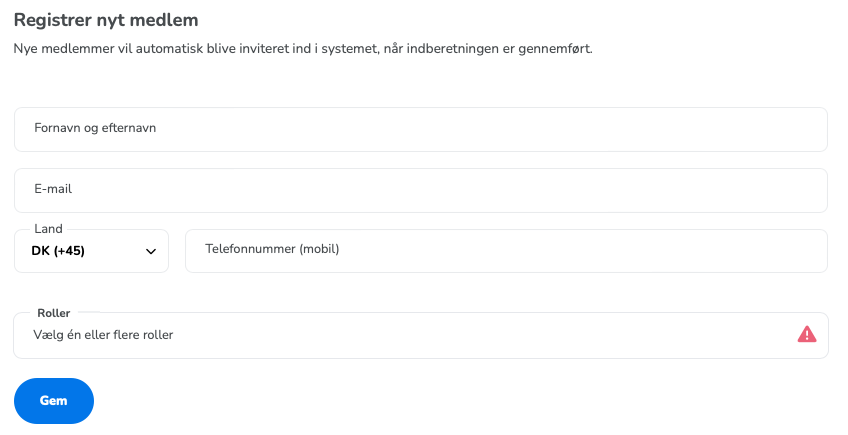
You can then enter the person's contact information and assign a relevant role to the external person, after which you finish by pressing "Save".
Externals persons with account access must register in the system and verify their identity so they can approve their account authorisations.
Those without account access generally do not need to register; this is optional.
Remember that external persons should not sign the reporting itself; only board members do this.
Read more about how to assign account access to external persons by clicking here.