
Have you got a new email, or do you simply wish to use another one? In Unioo, you can easily update your email address yourself.
Once you are logged into Unioo with your current email, do the following to change it:
- Hover your mouse over the menu on the left side.
- Click on the bottom icon “Your profile”.
- On the profile page, find the gear icon with the text “Contact information”.
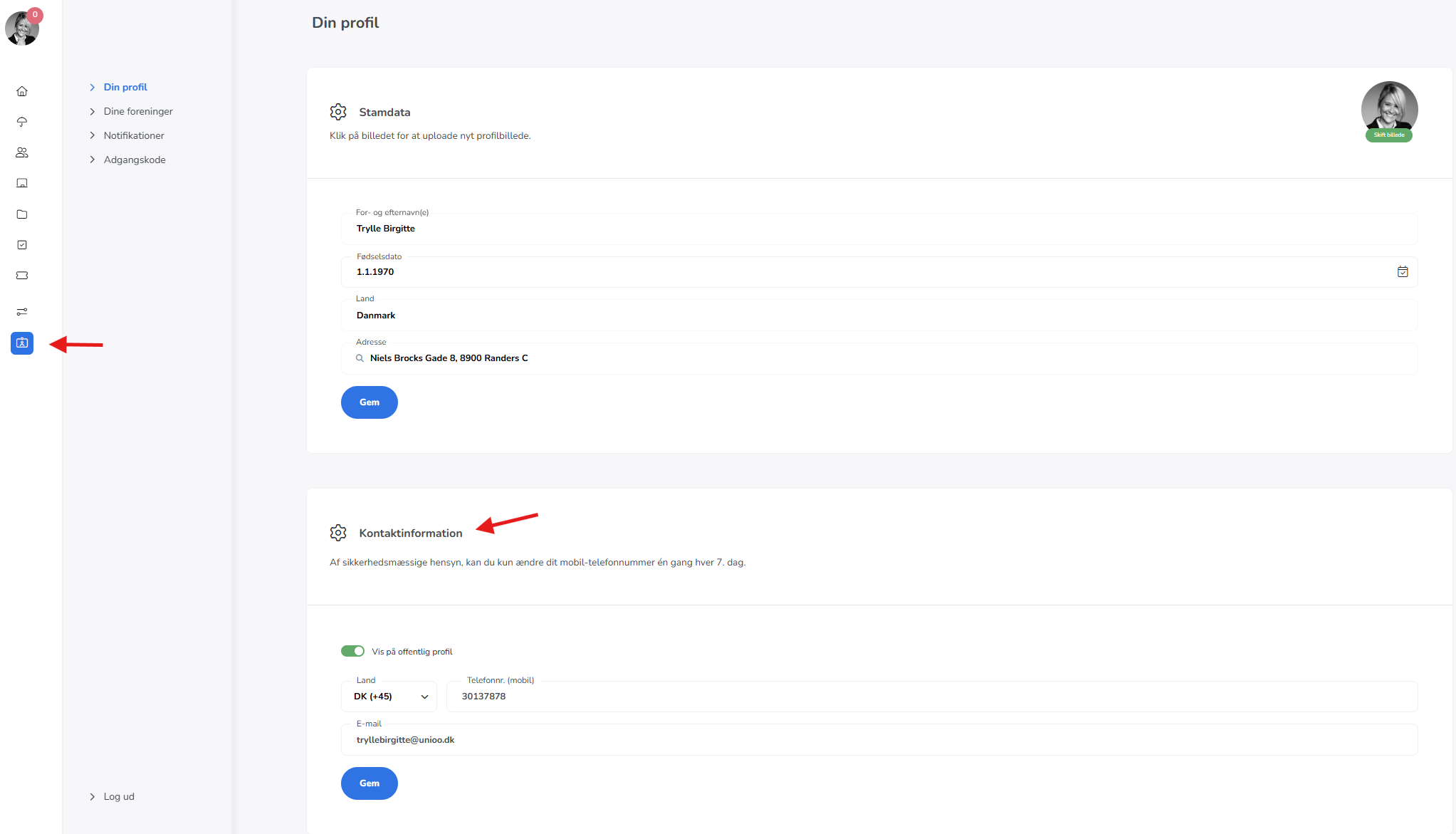
Once you have clicked "Save", a green confirmation box will appear in the top right corner. This means that the change has been completed, and your email is now updated in the system.