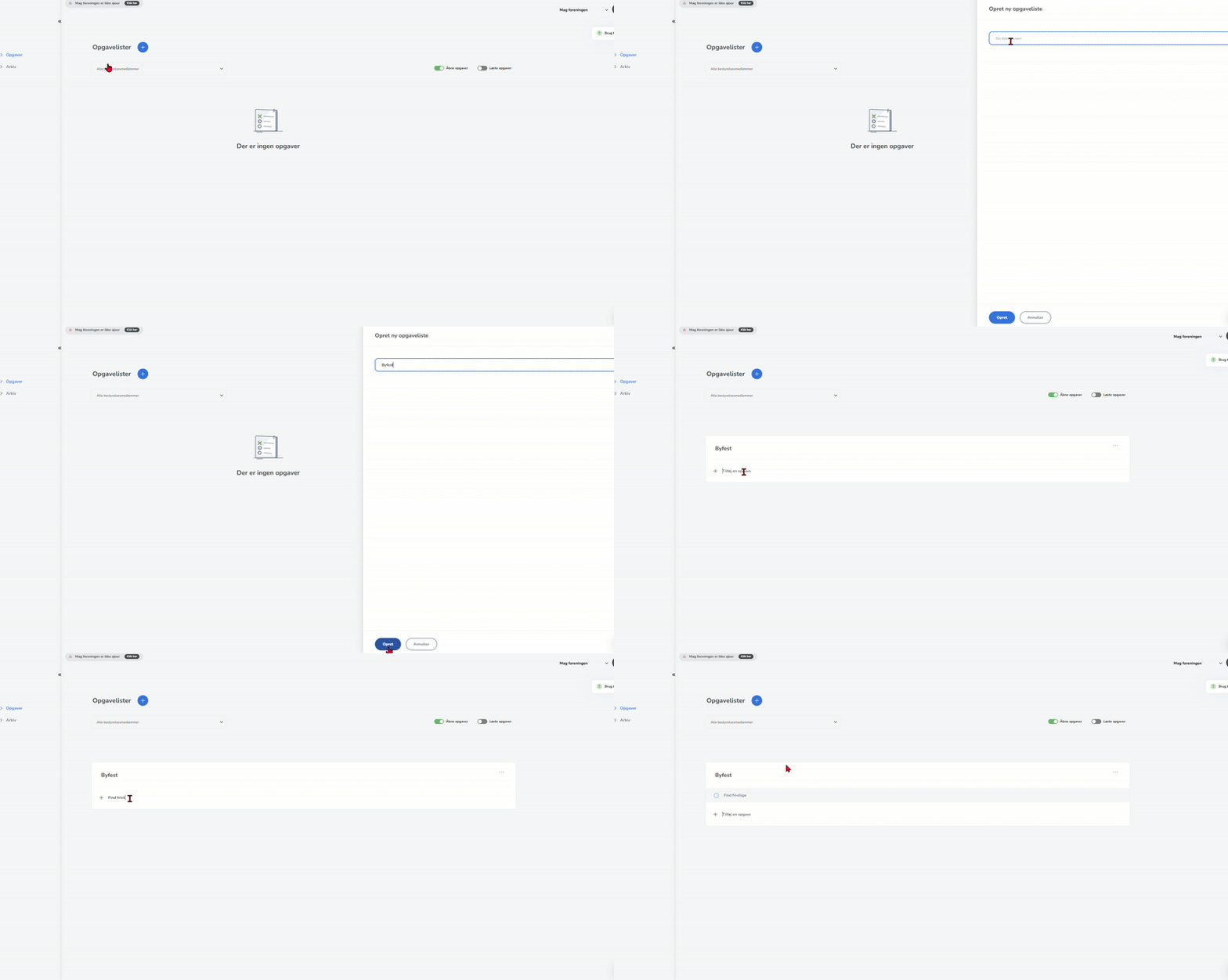
You can manually create task lists and tasks, whereby you subsequently assign the tasks, set a date, and optionally create a detailed description.
When you hold meetings, the tasks you include in the minutes will be created on a specific task list.
Create a task list as follows:
- Click the round blue icon with a "+" to create the list.
- Name the task list.
- You can now create tasks by clicking and typing where it says "Add a task".
- Click "Enter" to save.